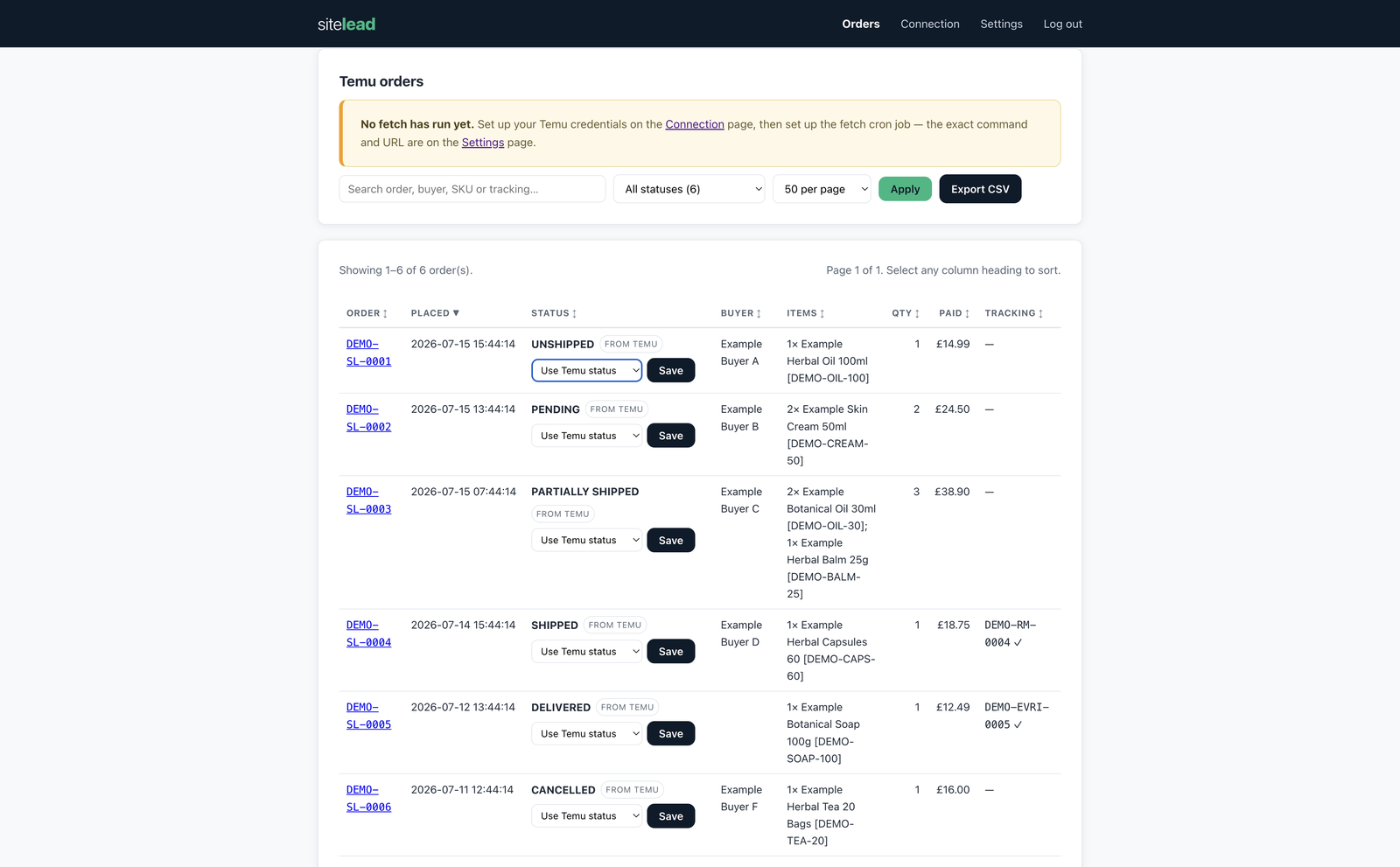
Add a self-developed app
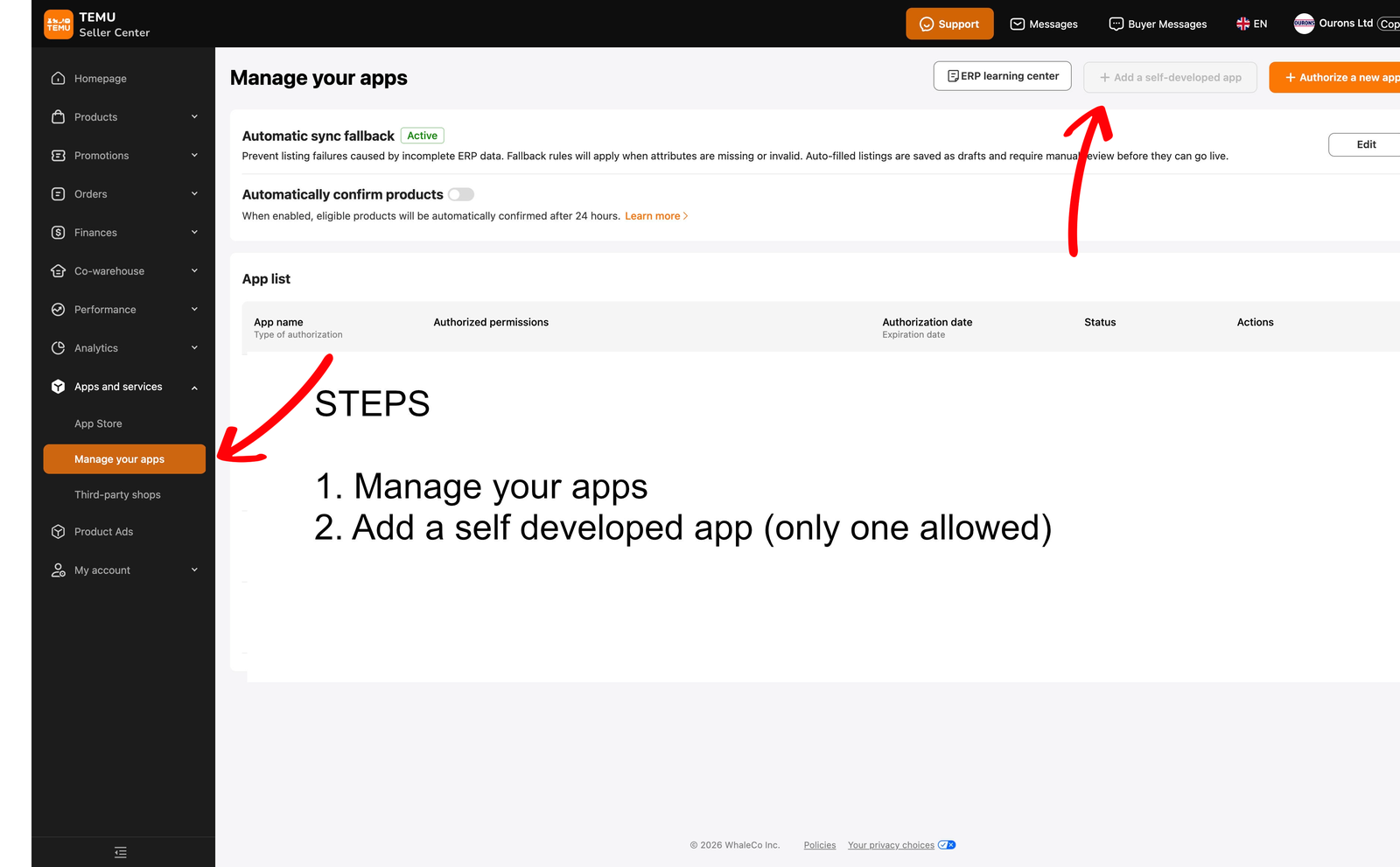
Log in to Temu Seller Central with your normal seller account, open Apps and services → Manage your apps, and click Add a self-developed app. Only one self-developed app is allowed per account, and using the API for your own shop is free.
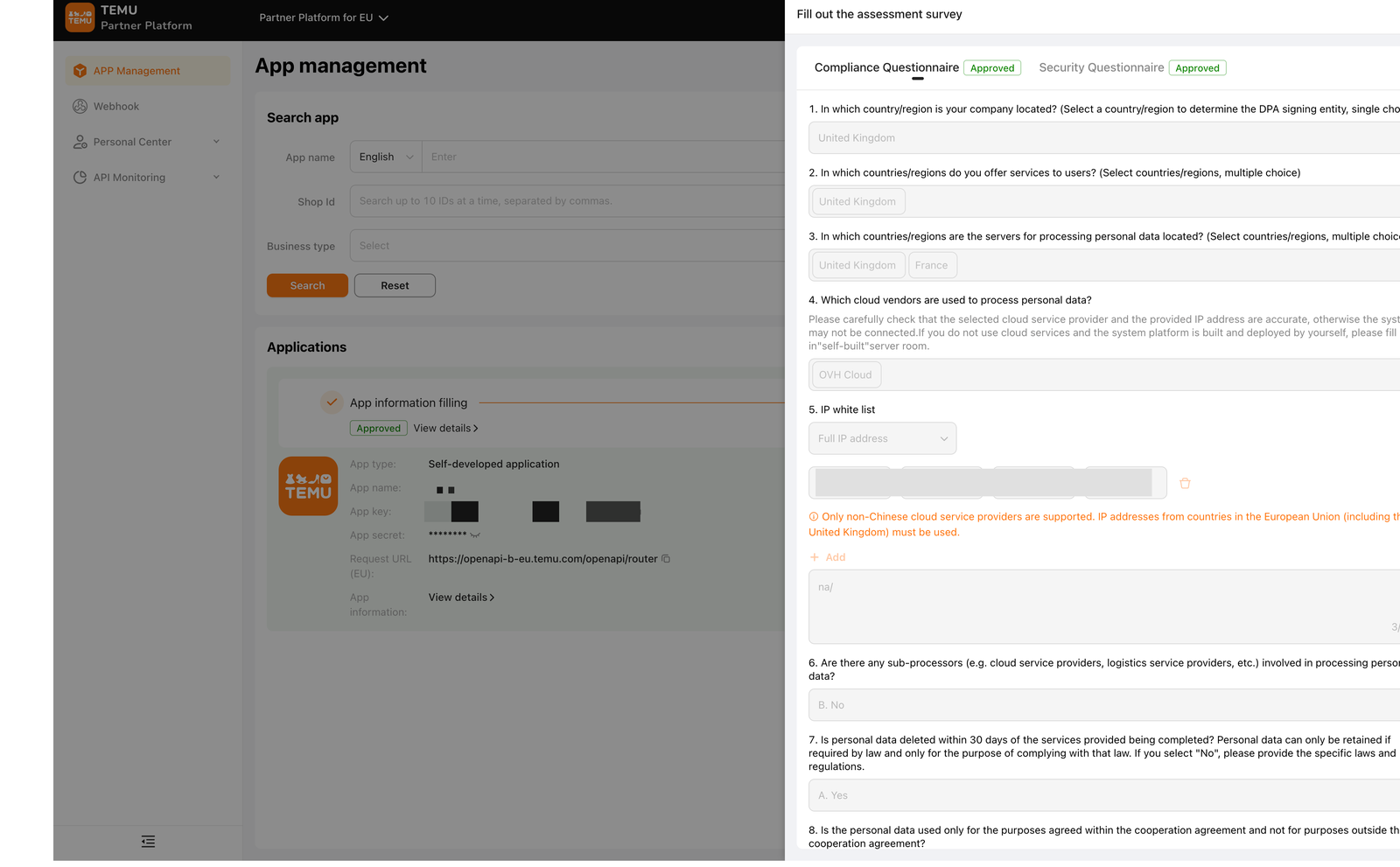
Fill in the app details & pass the assessment
Adding the app opens Temu's Partner Platform. Fill in the app information — including the order and logistics / shipping permissions the Fetcher needs — then complete the two questionnaires Temu requires: a Compliance and a Security assessment. You'll be asked where your company is based, which cloud provider you use, and for an IP white list — which must be a fixed EU or UK server IP (see step 5).
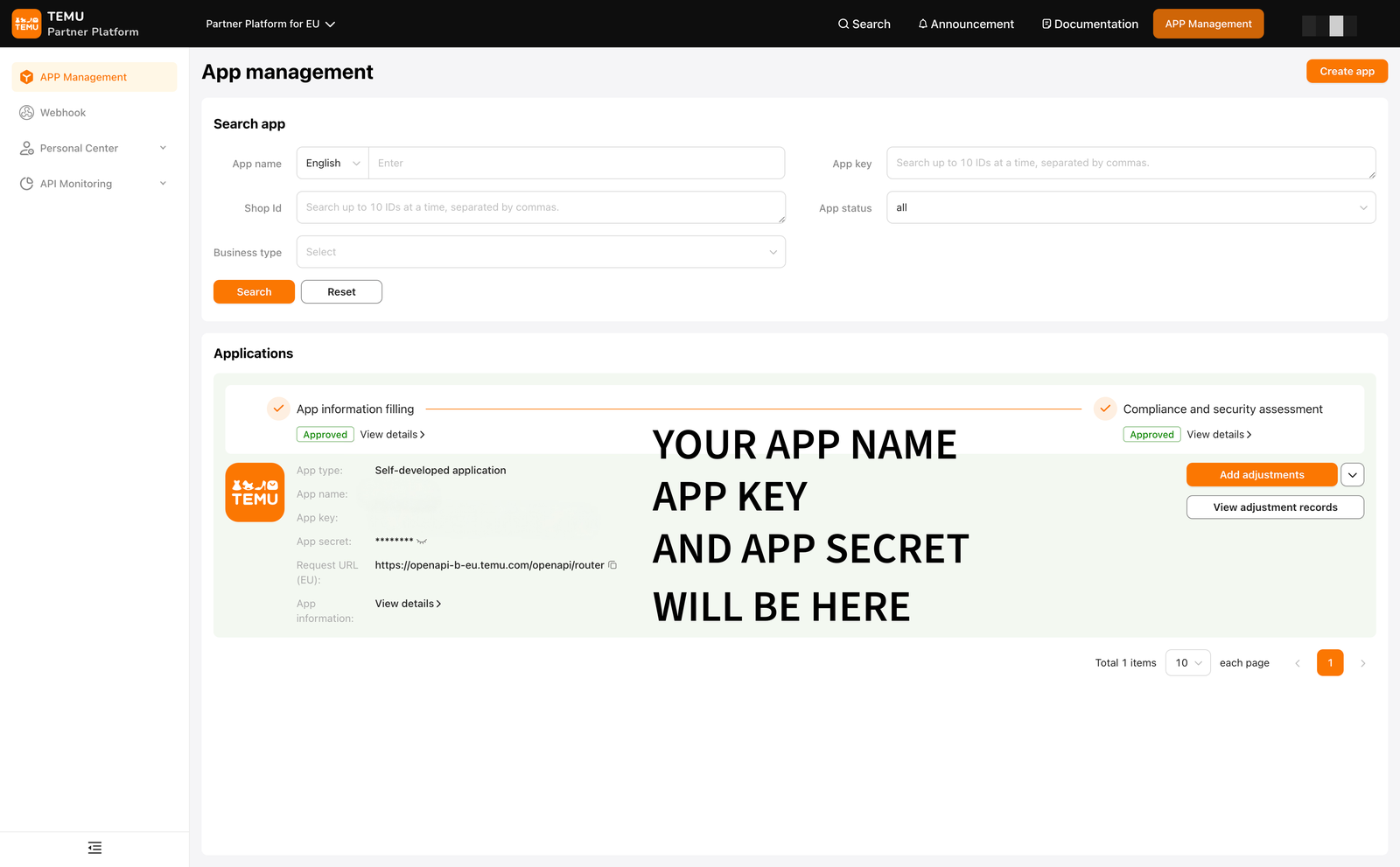
Copy your app key & app secret
Once both stages are approved, your app name,
app key and app secret appear on the
app's management page — copy the key and secret. Note the app's
Request URL too (EU sellers:
openapi-b-eu.temu.com); the Fetcher uses it for the Europe
region.
Authorise the app — your access token
Authorise the app for your own shop. Temu then issues an access token — copy it. This is the third of the three values the Fetcher needs, alongside the app key and app secret.
Register your server's IP — don't skip this
The IP white list you filled in during the assessment must be your server's outbound public IP, and it has to be an EU or UK address. The Fetcher's Connection page detects and shows you this exact IP in a copy-ready box.
Paste the three values in and test
Open the Fetcher's Connection page, paste the app key, app secret and access token, choose your region (Europe for UK/EU sellers), save, and click Test connection. The test makes one tiny order-list call and tells you in plain English whether the problem — if any — is the credentials, the IP allowlist, or a missing scope.